
A click in Search Console is not the same as a visit in Google Analytics. If the totals differ, you may be comparing two different things.
Use Search Console to investigate how people find you in Google Search. Use Google Analytics 4, usually called GA4, to examine activity on your website. Together, they help answer a business question: are the right people reaching a useful page, and can they take the next step?
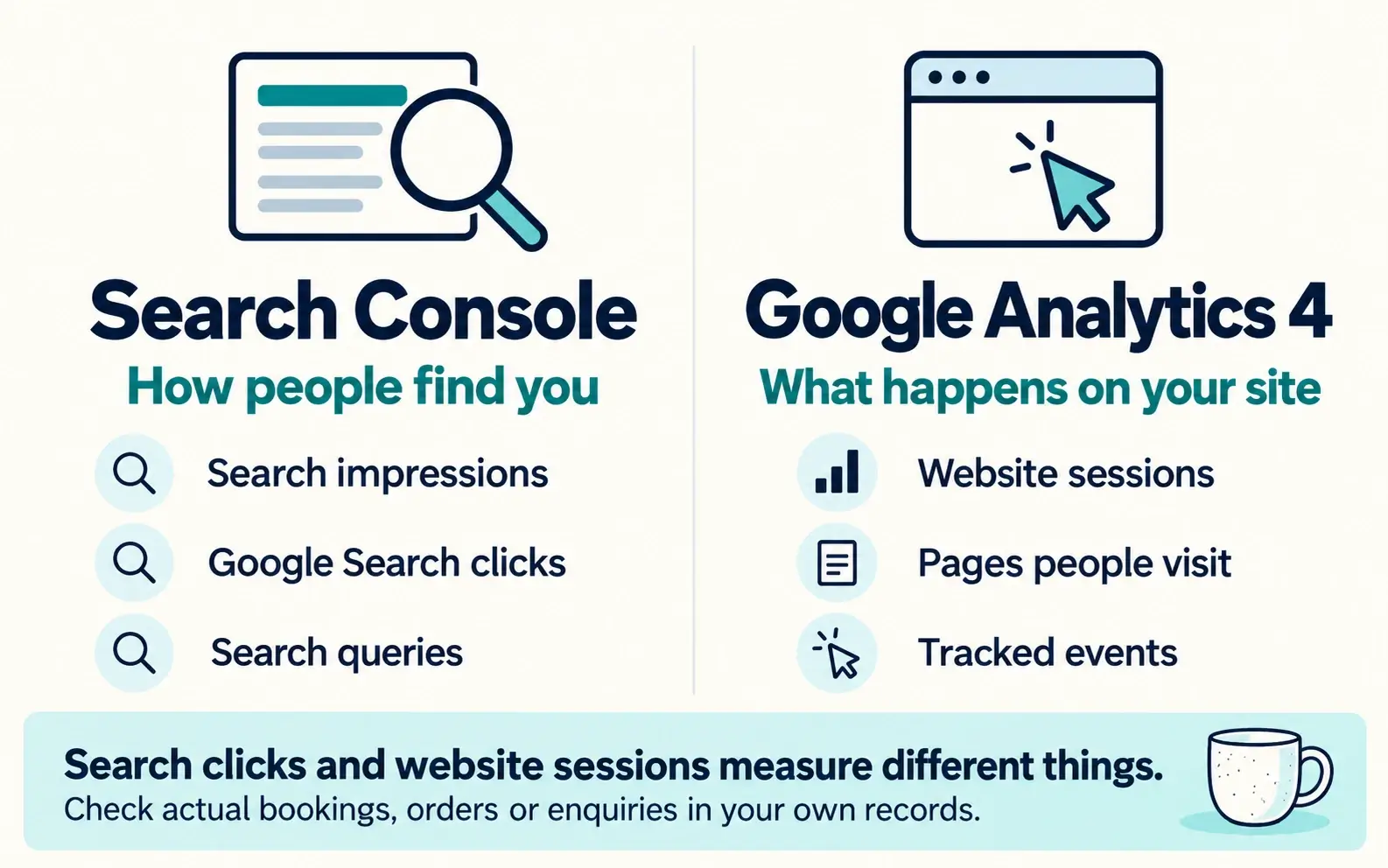
- Search Console, how people find you: search impressions, Google Search clicks and search queries.
- Google Analytics 4, what happens on your site: website sessions, pages people visit and tracked events.
Search clicks and website sessions measure different things. Check actual bookings, orders or enquiries in your own records.
Start with a page that matters
Choose a service, product range or booking page that matters to your business. Looking at the whole website can hide what is happening to that page.
For a hypothetical pottery studio, the question might be: "Are people finding the beginners' class page, and are bookings arriving?"
Search Console can show search visibility and clicks for the page. Booking records tell you whether bookings actually arrived.
Check the search side in Search Console
Open the correct property, then Performance and Search results. Select a completed period and use the Pages view to select your chosen page. Review Queries for the searches associated with it.
Look for relevance as well as volume. Searches for "pottery classes for beginners" tell a studio something different from searches for "free pottery templates".
Google's comparison of the tools explains their different measurement methods. Search Console clicks and GA4 sessions are not totals you should expect to match exactly.
Check the visit in GA4
Open the Traffic acquisition report in GA4. Use the same period. When comparing with Google Search, inspect Google organic traffic rather than all sources combined.
Then examine the page and the action you want visitors to take. If you measure a booking-button click, check what that event means. Pressing the button does not establish that a booking was completed.
Use your booking system, shop orders or enquiry inbox to check the business result.
Turn the reports into a decision
Suppose relevant search clicks are arriving, but bookings are quiet. Before rewriting the page, try booking on a phone. Check the dates, price and form.
If relevant searches are scarce, review whether the page clearly explains the class, location and booking options. That is a different problem with a different next step.
Save the page, period and filters you used. After making a change, compare the same measures over a suitable completed period. You will have a useful record without trying to make two different counters agree.